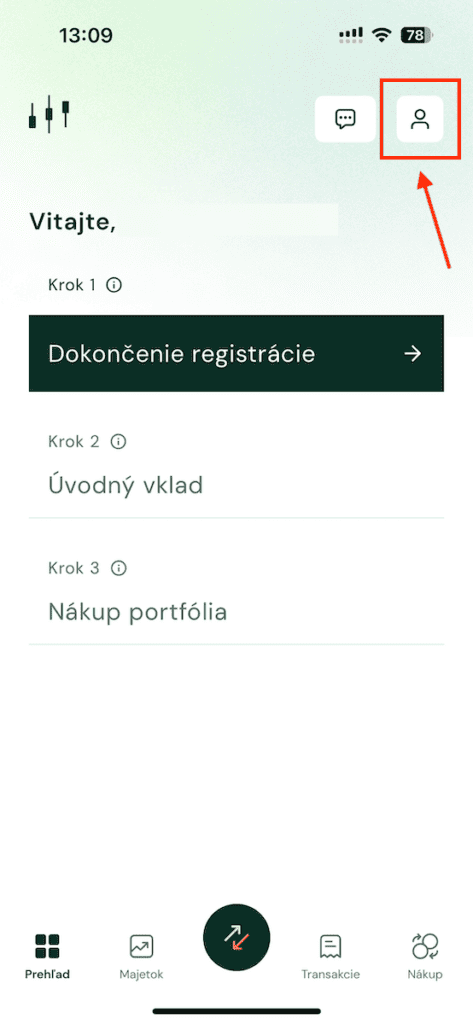
- Click on the "Profile" icon

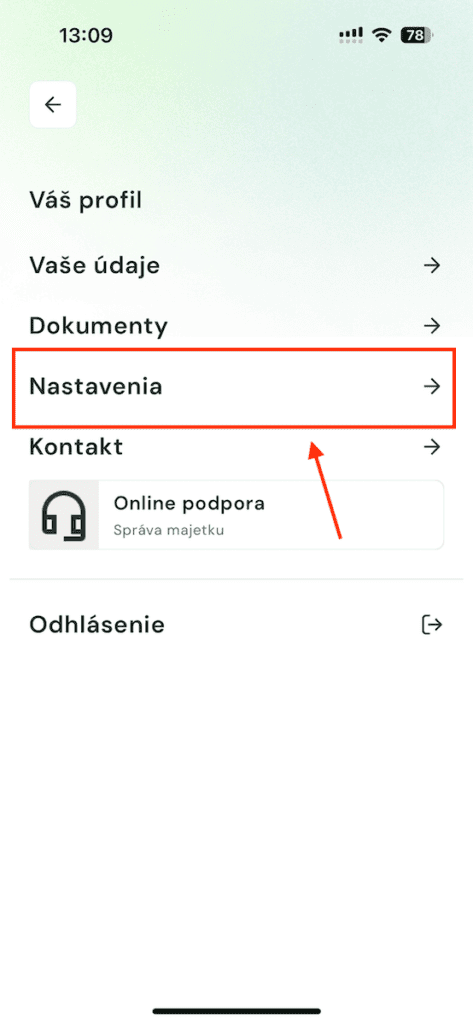
- Click on "Settings"
- Click on the "Request Account Cancellation" button
- After clicking the button, you will fill in the account cancellation request and confirm it with a sms code. The 30-day notice period starts the following day. If you have open positions you must enter their sale. After 30 days you will be blocked from accessing the application.